You have not yet added any article to your bookmarks!
Join 10k+ people to get notified about new posts, news and tips.
Do not worry we don't spam!
Post by : Anis Farhan
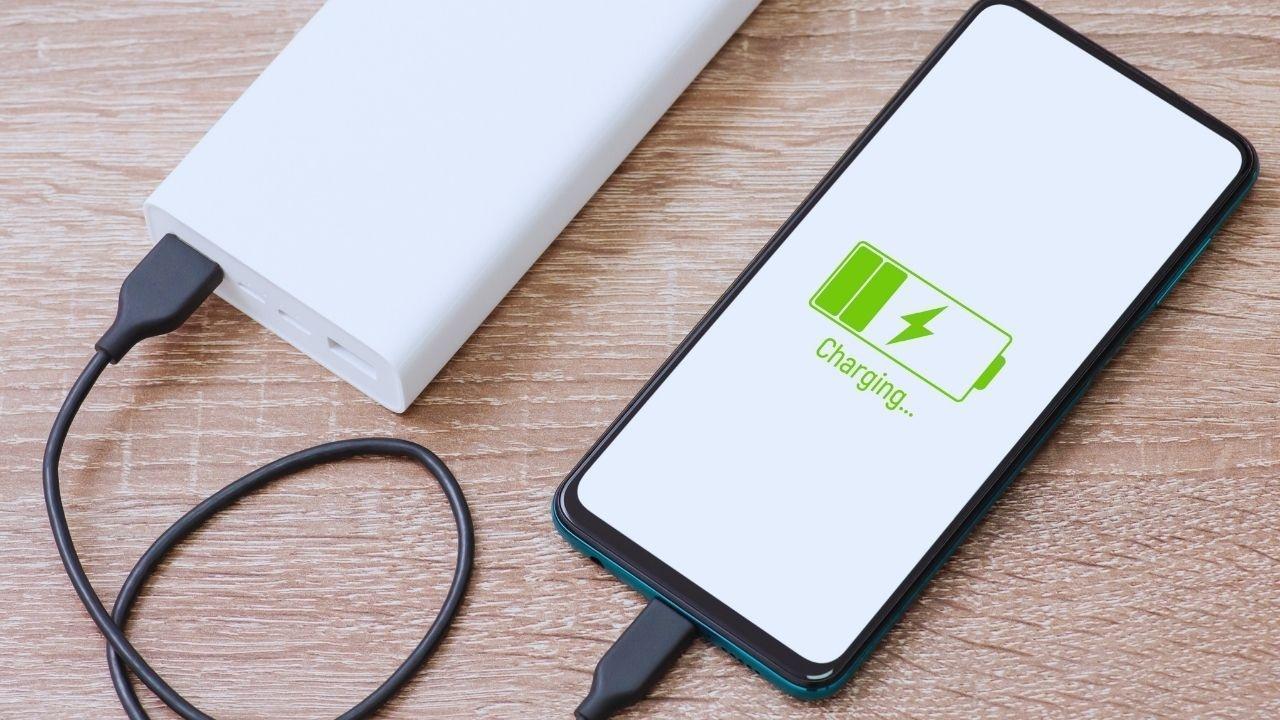
Batteries can be a source of anxiety for many. Few things can cause a rush of stress like watching your phone's power plummet from 23% to 7% while you're on the go. Despite our long-term relationship with smartphones, there's still widespread confusion surrounding battery management, along with plenty of outdated myths and unsolicited advice.
From the common belief of “don’t charge overnight” to the assumption that “dark mode saves battery,” it’s important to sift through what's true and what’s merely a remnant of outdated technology. Today’s phones and batteries are designed with advanced technology, yet many of our habits have remained stagnant.
This guide aims to clarify misconceptions, reveal what genuinely impacts battery life, and suggest easy daily routines to ensure your device remains charged and efficient.
Modern smartphones utilize a lithium-ion battery that is engineered for:
Rapid charging
Partial charging
Routine top-ups
Smart energy management
Unlike older battery types, these batteries do not require complete discharge cycles. They perform best with moderate use and intelligent charging practices.
This was applicable to old nickel batteries.
In contrast, modern lithium variants do not handle deep discharges well.
Fact:
It’s recommended to avoid letting your phone frequently dip below 20%, as deep discharges can lead to stress and long-term impairment.
Newer phones implement smart charging capabilities, where the charging pace slows down upon reaching 80-90% capacity.
Fact:
Charging overnight occasionally is safe, provided you steer clear of:
Low-quality chargers
Overheating during charging
Running demanding applications while charging
Fast charging is tailored for modern devices, with battery management systems optimizing heat and current delivery.
Fact:
Fast charging is safe; rather, it is the heat generated that poses the greatest risk to battery durability.
Regular usage is generally fine.
However, engaging in demanding activities like gaming or video calls can generate excess heat.
Fact:
Feel free to browse and chat while plugged in, but avoid heat-generating activities.
Force-closing apps often leads to them restarting, which consumes more battery.
Fact:
Allow the operating system to manage apps unless specific applications are malfunctioning.
True — it diminishes power consumption while charging, but only beneficial in urgent situations.
While arriving at 100% isn’t bad once in a while, consistently keeping it at full capacity can strain the battery.
Fact:
The optimal range for battery health is 20-80%.
This only provides a notable benefit on OLED/AMOLED screens, rather than traditional LCD displays.
The number one enemy for lithium batteries.
Triggers:
Extended gaming sessions
High brightness outdoors
Charging in direct sunlight
Keeps a cover on while charging
Resource-intensive apps in the background
Excess heat can degrade cells and shorten battery life.
The screen is a major battery consumer.
Operating at 100% brightness quickly drains battery life.
Utilize auto-brightness or adjust manually.
Navigation and delivery apps waste battery through constant location tracking.
Deactivate GPS when it’s not in use.
Automatic backups or syncing can quietly consume battery life.
Set backups to occur over Wi-Fi or disable auto-upload.
Your phone drains battery while searching for a signal.
In weak network conditions:
Temporarily switch to 4G
Use airplane mode when in places with no signal
While fluid displays are appealing, they consume more battery than standard 60Hz displays.
Change settings when necessary.
Visually pleasing but drain energy quickly. Use thoughtfully.
Apps such as:
YouTube
Maps
Snapchat
PUBG / BGMI
Netflix
Prolonged use generates heat and depletes battery life.
Device heats more quickly
Battery percentage fluctuates unexpectedly
Device shuts down at higher percentages
Slower charging or rapid depletion
Decreased screen-on time
Lag due to power limitations
If your battery health is below 80%, replacing it can significantly enhance performance.
| Habit | Benefit |
|---|---|
| Charge within 20-80% | Maintains optimal battery range |
| Use original or certified charger | Ensures consistent current and prevents overheating |
| Avoid charging under blankets | Prevents heat buildup |
| Remove bulky case while charging | Allows for better heat dissipation |
| Frequent top-up charging | Ideal for day-to-day use |
| Refrain from full discharges | Reduces strain on the battery |
Think of your battery as akin to your own energy: consistent, moderate refueling is preferable to one extreme recharge.
Small modifications can result in significant battery improvements.
Pre-download maps for offline access
Keep a portable power bank handy for lengthy outings
Close navigation apps once you reach your destination
Disable hotspot when not in use
Avoid charging in a heated vehicle
Engage battery saver mode early during travel
Smart habits can trump random “tips” any day.
High temperatures are detrimental, while cold conditions can be limiting.
Avoid leaving your phone in the car
Prevent it from direct sunlight on the dashboard
Charge in a shaded area indoors
Battery drains quicker — keep it in your pocket
Warm it in the rear pocket rather than an outer bag
Avoid leaving it in the car or a tent overnight
Smartphones perform best within an optimal temperature range, much like people.
| Common Belief | Truth |
|---|---|
| “Task killers are efficient” | They restart apps which drains more energy |
| “Clearing RAM is beneficial” | More RAM utilized leads to better battery efficiency |
| “App notifications are not impactful” | Push notifications wake your phone frequently |
| “Uninstalling apps is crucial” | Restrict background permissions instead |
Optimal management is preferable over excessive control.
Battery health drops below 80%
Your phone overheats unexpectedly
Frequent charging needed throughout the day
Sudden shutdowns above 10-20% power
Visible battery swelling (immediate assistance needed)
Replacing your battery can rejuvenate performance and is more economical than acquiring a new device.
Maintaining phone battery life is about cultivating efficient habits. Modern smartphones come equipped with intelligence; they just require a mindful partnership, free from myths.
Key principles include:
Shield from excessive heat
Avoid frequent deep discharges
Don’t stress over achieving a perfect 100% charge
Utilize genuine charging accessories
Monitor brightness and heavy applications
Your approach should emphasize awareness and consistency.
Think of your phone battery similarly to your own energy: Preserve it, don’t exhaust it, and maintain equilibrium.
Your device stands to last longer,
Your experience feels seamless,
Your day will flow effortlessly.
This guide serves as general information regarding consumer smartphone battery usage. Adhere to manufacturer-specific safety protocols and seek assistance from authorized service points for concerns like overheating, swelling, or irregular operation.









Spain's Diego Poncelet Sets Skateboarding World Speed Record
Spain's Diego Poncelet reaches 151.83 km/h in a record-breaking downhill skateboard run in Canada, s

Hyundai Recalls 94,622 US Vehicles Over Potential Fire Risk
Hyundai recalls 94,622 US vehicles over overheating seat motors. Check affected Genesis models, fire

Nvidia Pledges $250 Million for UK AI Safety Research
Nvidia will provide $250 million in computing resources over five years to support AI safety researc

Jacob Bethell Returns as England Name Squads for Australia Tour
England name ODI and T20 squads for the Australia tour, with Jacob Bethell returning from injury and

Beauden Barrett Opens Up About Mental Struggles During All Blacks Exile
Beauden Barrett discusses his confidence struggles after missing six tests, his return against Austr

IMF Says AI Investment Supports Global Growth Despite Energy Shock
IMF says AI investment is supporting global growth near 3%, with Asian economies benefiting from ris