You have not yet added any article to your bookmarks!
Join 10k+ people to get notified about new posts, news and tips.
Do not worry we don't spam!
Post by : Badri Ariffin
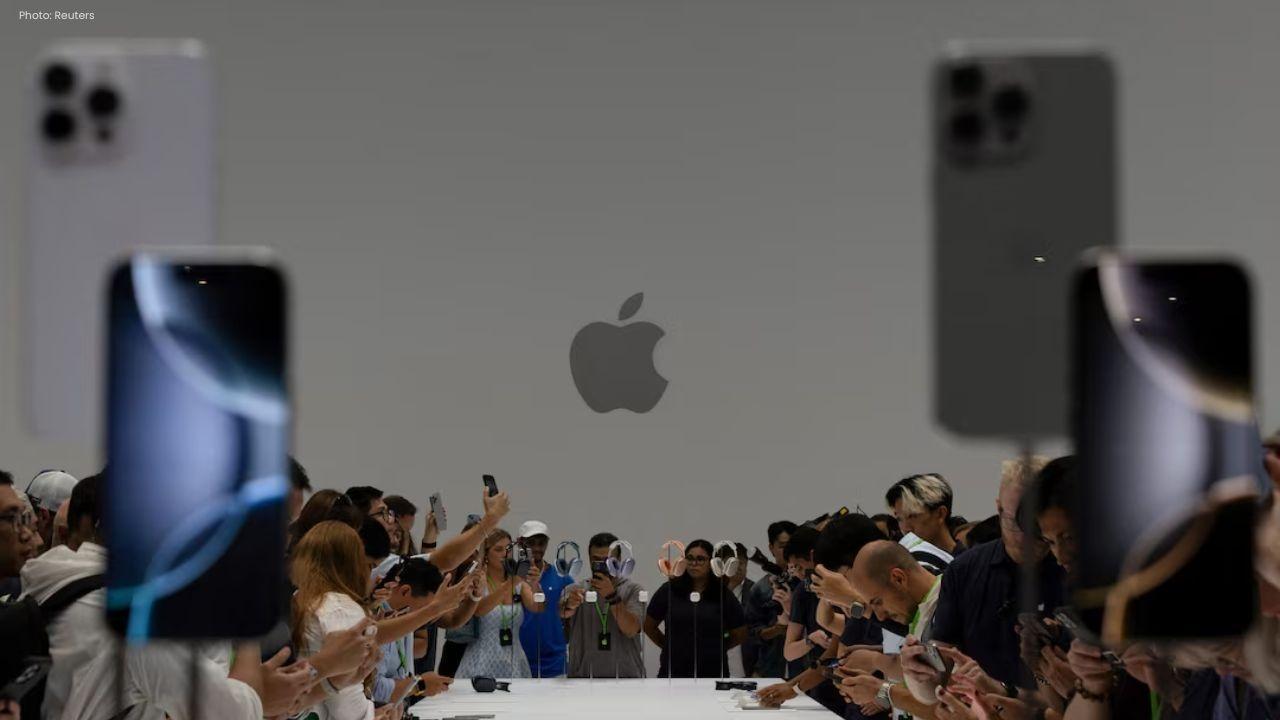
Apple has started rolling out iOS 26.1 to supported iPhones, delivering a set of practical refinements meant to improve everyday use. While expanded Apple Intelligence tools and adjustments to the Liquid Glass appearance have drawn attention, a discreet tweak to the Clock app is already earning positive mentions.
The update aims to reduce morning mishaps. Until now, it was easy to accidentally stop an alarm instead of snoozing it. iOS 26.1 adds a new "Slide to stop" gesture that requires a deliberate motion to silence alarms, helping to prevent those sleepy mis-taps that lead to oversleeping.
It doesn’t adopt the more elaborate tricks some third-party alarm apps use—such as puzzles or vigorous motion—but the new gesture strikes a practical middle ground between ease of use and preventing accidental dismissal.
Users Gain Control Over Liquid Glass
iOS 26.1 also provides long-requested control over Liquid Glass, the glossy interface effect introduced in iOS 26. Many found the styling attractive but occasionally hard to read; the update adds a toggle to adjust Liquid Glass opacity so users can improve legibility and comfort.
iOS 26.1: Who Can Get It and How to Update
The release is available for iPhone 11 and later models. Apple Intelligence features — the platform’s AI-powered additions — remain restricted to iPhone 15 Pro and newer devices.
To update, go to Settings → General → Software Update and follow the prompts. Apple recommends having at least 30% battery and sufficient free storage before installing.
A Note of Caution
Apple warns that users may notice temporary shifts in performance or battery behavior as the system completes background tasks after the update. Some features may also be enabled progressively across regions.
With iOS 26.1, Apple appears focused on incremental, user-facing fixes rather than sweeping changes. From a safer alarm interaction to subtler UI control, the release offers modest but useful improvements for everyday iPhone use.










PM Modi Pays Tribute to Mahatma Gandhi, Urges People to Support Khadi
PM Modi pays tribute to Mahatma Gandhi on Gandhi Jayanti and urges citizens to support Khadi and the

Amazon Seeks to Offload $8 Billion in Nvidia Chips to Investors
Amazon plans to move $8 billion in Nvidia chips to investors, using a new financing model to strengt
Samsung Raises Galaxy S26 Prices as Memory Chip Costs Rise
Samsung raises Galaxy S26 prices in South Korea as rising memory chip costs put pressure on smartpho

Lewis Hamilton Calls Singapore Grand Prix One of F1's Toughest Races
Lewis Hamilton discusses the demanding Singapore Grand Prix and brings Plus44 and Almave to Singapor

Denmark's Pandora Opens World's Largest Jewellery Factory in Vietnam
Pandora opens its largest jewellery factory in Vietnam, expanding global production, strengthening s

Gautam Gambhir Questions Batting-Friendly Pitches After India's Record ODI Chase
Gautam Gambhir questions batting-friendly ODI pitches after India’s record chase, calling for a bett